Receivers cannot install software
A phone scan is easier than asking every site to manage logger software.
Solution / No-software temperature logger
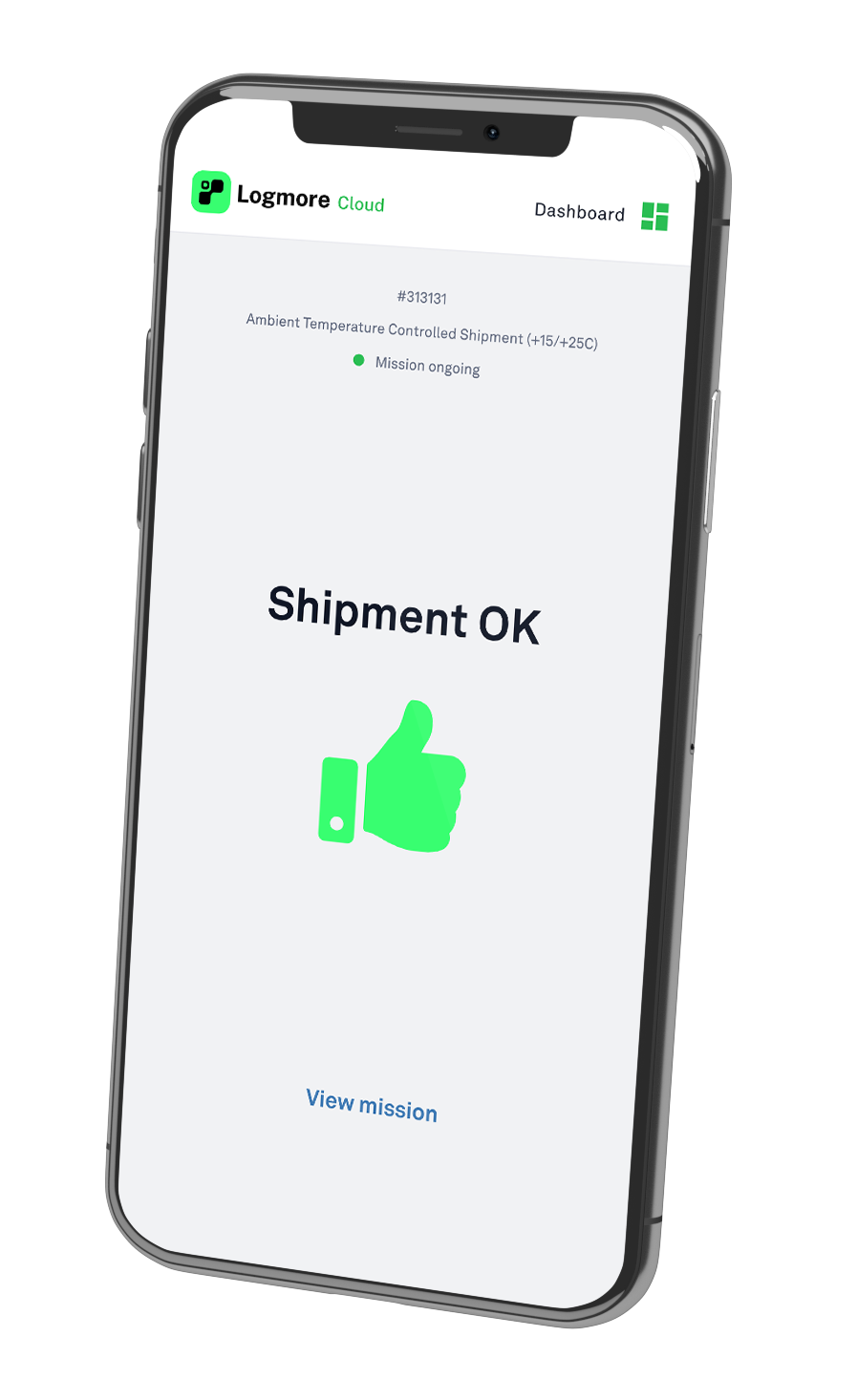
Logmore replaces USB logger readout with a phone scan. Receivers do not need software, a USB reader, an app, or an account. Shipment data goes straight to Logmore Cloud as a report.
When this matters
A phone scan is easier than asking every site to manage logger software.
QR upload avoids asking receivers to plug shipment devices into computers.
Cloud upload helps teams move toward 100% shipment data retrieval.
How Logmore helps
Logmore connects physical shipment monitoring with reviewable cloud records so QA, logistics, and partners can work from the same evidence.
The receiver scans the logger with a normal phone camera.
Reports, certificates, comments, and exports stay in Logmore Cloud.
The process is simple enough for external sites and partners.
Recommended setup
The right setup depends on product risk, return logistics, sensor needs, and the evidence your team needs after the shipment arrives.
Make scanning the normal receiving action.
Use single-use, reusable, or probe loggers by route need.
Define thresholds, certificates, roles, and exports once.
No install
This page should make the no software promise obvious: scan, upload, review.
The receiver scans the QR code with a normal phone camera. No installed app, account, login, USB reader, or local software.
The browser-based flow uploads recorded shipment data to Logmore Cloud when the receiver follows the scan step.
QA and logistics review the report, certificates, comments, exports, and evidence from Logmore Cloud.
Scenarios and evidence
Receivers upload evidence without installed software.
Hospitals, labs, and depots scan data back to QA.
Distributed sites upload data without reader equipment.
Workflow
Keep the monitoring process clear enough for warehouses, receivers, QA teams, and partners to repeat.
Set logger type, measurement interval, thresholds, product profile, and reporting rules before dispatch.
The QR data logger records condition history while the shipment moves through carriers, handoffs, dwell time, and receiving.
A normal phone scan uploads data to Logmore Cloud without USB readers, installed receiver apps, or local report files.
Quality and logistics teams review reports, alerts, audit trails, certificates, comments, and exports from one cloud record.
Common objections
No. The receiver does not need installed readout software, but shipment records are still reviewed and managed in Logmore Cloud.
Yes. Administrators and QA teams can use Logmore Cloud and API workflows while external upload users only scan the QR code.
Product context
Replace USB readout with scan-to-cloud shipment reports.
Open pageLogger models for temperature, humidity, shock, light, and dry ice lanes.
Open pageCloud reports, dashboards, alerts, audit trails, certificates, comments, and exports.
Open pageConnect mission data to quality, logistics, WMS, TMS, and control-tower systems.
Open pageIndustry overview for regulated pharma, life science, vaccine, sample, and clinical trial shipments.
Open pageExample of reducing manual QA work with automated temperature analysis.
Open pageExample of QR-based shipment status checks for pharmaceutical distribution.
Open pageFAQ
Yes. Logmore uploads by QR scan, so receivers do not need installed readout software.
No. Receivers can scan and upload without an account or login.
No. Logmore is a cloud-based replacement for USB readout and local PDF handling.
Yes. Logmore can connect shipment reports with calibration documentation.
Pharma, food, clinical, samples, industrial logistics, and partner networks.
USB readout works best when one trained team controls every computer, setup, download, PDF, and report-sharing step.
Related pages
Review where USB readout blocks 100% shipment data retrieval.