How many reports are reviewed?
Manual PDFs can work at very low volume. Cloud reporting becomes stronger as volume, partners, and exceptions grow.
Comparison / Cloud vs manual PDFs
Manual PDF temperature reports fit simple, low-volume workflows. Logmore Cloud keeps reports, alerts, certificates, audit trails, comments, dashboards, and exports connected to the shipment record.
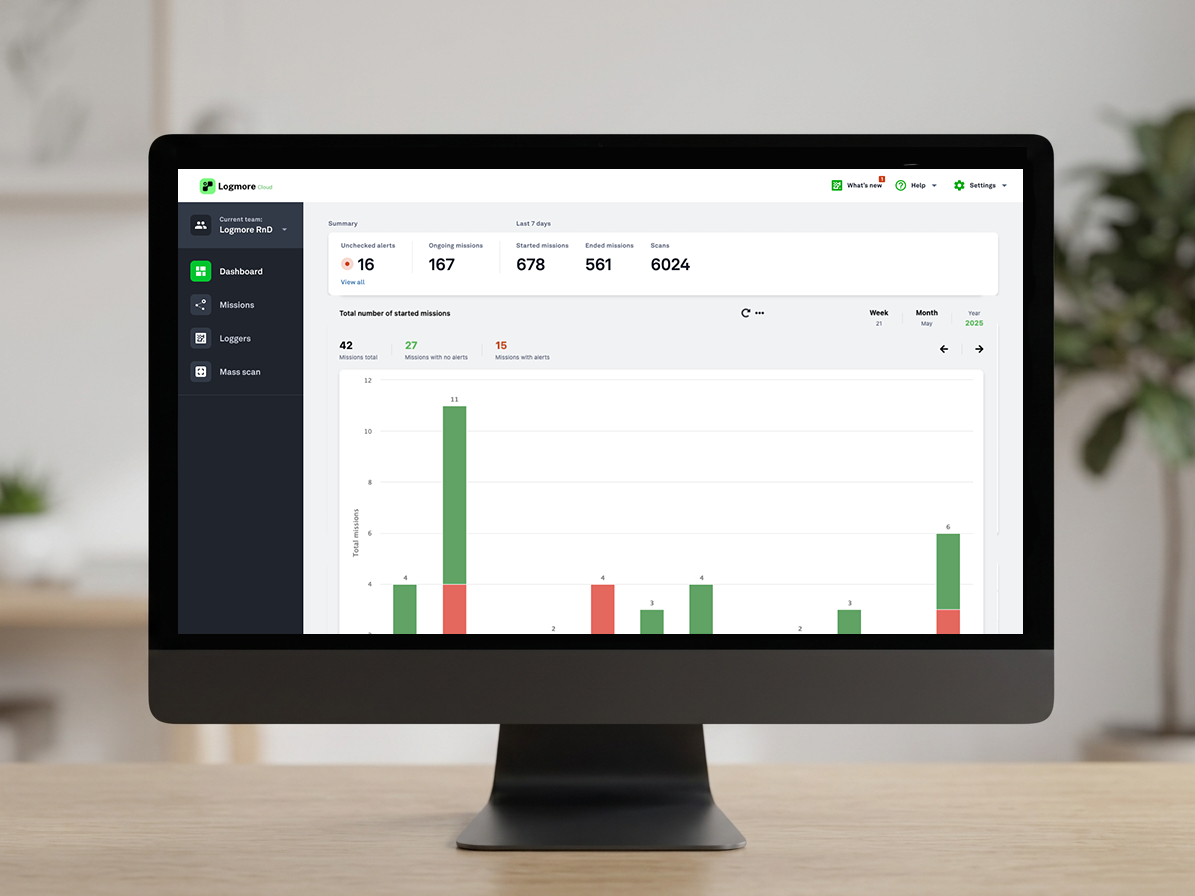
Side-by-side view
The best monitoring choice depends on who uploads the data, how fast evidence is needed, and whether the record must support QA, claims, audits, or partner review.
What to check
Manual PDFs can work at very low volume. Cloud reporting becomes stronger as volume, partners, and exceptions grow.
Cloud workflows help when QA, logistics, customers, partners, and management need different views of the same evidence.
A report export is useful, but the source record, audit trail, permissions, and certificate context matter.
Migration
The goal is not to remove PDFs. The goal is to stop treating detached PDF files as the whole evidence system.
USB files are downloaded, renamed, emailed, copied, and reviewed after delays.
Cloud records keep the activity around the report closer to the source evidence.
Start by keeping PDF exports, but make Logmore Cloud the source record for review.
Best-fit choice
Use manual PDFs only for simple, low-volume workflows. Use Logmore Cloud when reports must be searchable, shareable, auditable, and useful across many lanes or teams.
Operational tradeoffs
The goal is not to eliminate PDFs. The goal is to stop using manually handled PDFs as the whole system of record.
If one trained person reviews a few low-risk shipments, a manual process may be acceptable.
Migration path
Start where emailed files, USB downloads, or manual PDF review creates delays.
Align thresholds, product profile, certificate needs, and QA review expectations before launch.
Once the cloud workflow is stable, connect mission data to quality systems, dashboards, or customer portals.
Product context
Logger models for temperature, humidity, shock, light, and dry ice lanes.
Open pageCloud reports, dashboards, alerts, audit trails, certificates, comments, and exports.
Open pageConnect mission data to quality, logistics, WMS, TMS, and control-tower systems.
Open pageIndustry overview for regulated pharma, life science, vaccine, sample, and clinical trial shipments.
Open pageExample of reducing manual QA work with automated temperature analysis.
Open pageFAQ
No. PDFs are useful exports. The problem is relying on manual PDF files as the whole system of record for shipment evidence.
Yes. Logmore Cloud can support reports and exports while keeping the source evidence connected to the mission record.
Cloud reporting gives teams shared access to reports, alerts, audit trails, comments, certificates, dashboards, and controlled records.
Logmore Cloud supports audit-ready workflows with controlled access, user actions, reports, and documentation. Audit readiness still depends on the customer's quality system.
Move when report volume, partner access, audits, deviations, or customer response times make manual file handling slow or risky.
Yes. Logmore API can connect mission and measurement data to quality systems, WMS, TMS, control towers, and other business tools.
Related pages
Identify where USB files, manual PDFs, email attachments, and disconnected certificates slow QA or create record risk.